Before operation, make sure that the CAMMUS desktop and game programs on the computer have been closed and exited.
-
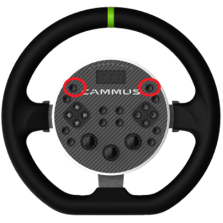
Press and hold the two function keys at the top of the base and then press the power button. Release the buttons together for about 3 seconds (the device will not run the self-test program after powering on)
-
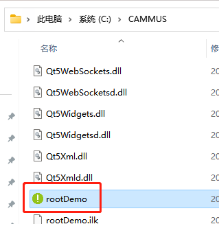
Open the root directory of the CAMMUS desktop and run the “rootdemo” software
-
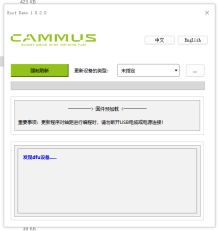
Click “···” to select the firmware (for example, if the device that needs to be flashed is a C5 steering wheel, select the firmware corresponding to C5)
-
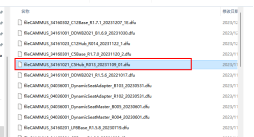
Select the firmware version to be upgraded
-
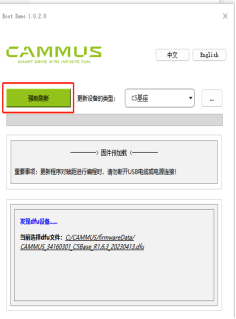
Click “Force Refresh”
-
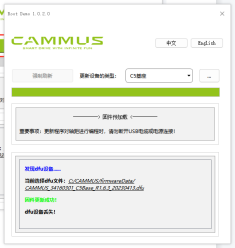
After the prompt that the firmware update is successful, restart the device and the desktop.